 By
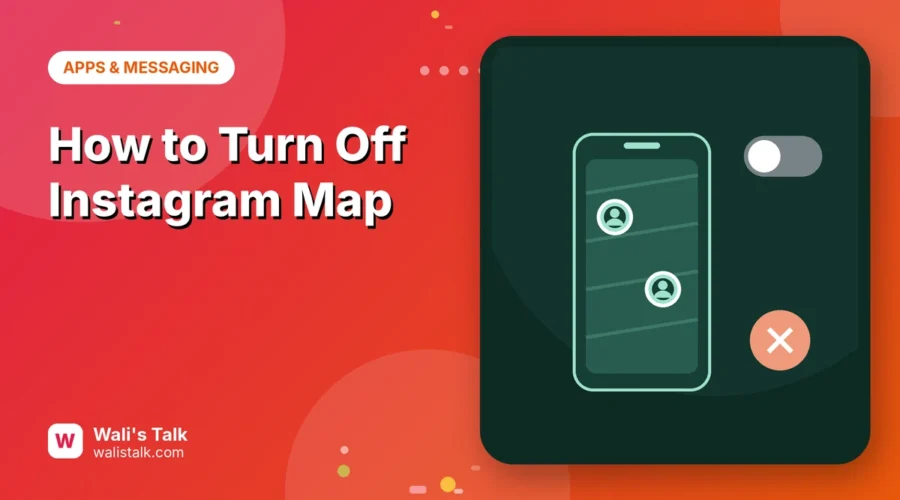
Instagram has a Map in your DMs that can show your location to friends, and places you’ve tagged in posts. Many people aren’t sure whether they’re sharing their location or not. Here’s how to turn off location sharing on the Instagram Map, check who can see you, and limit location access on your phone.
Short answer: open the Messages tab, tap the Map at the top of your inbox, tap the settings (gear) icon in the top right, choose No one and tap Update. Location sharing is opt-in, so it’s off unless you turned it on, but it’s worth checking. For extra privacy, set Instagram’s location permission to Never in your phone settings, and remove location tags from posts you don’t want shown.
Applies to: Instagram app for iPhone and Android, October 2026.
What is the Instagram Map?
The Map lives at the top of your Messages inbox. It can show:
- Your last active location, if you choose to share it with certain friends.
- Posts, Reels and stories with location tags from you and people you follow.
Sharing your own location is off by default; you only share it if you turned it on.
How to turn off location sharing on Instagram Map
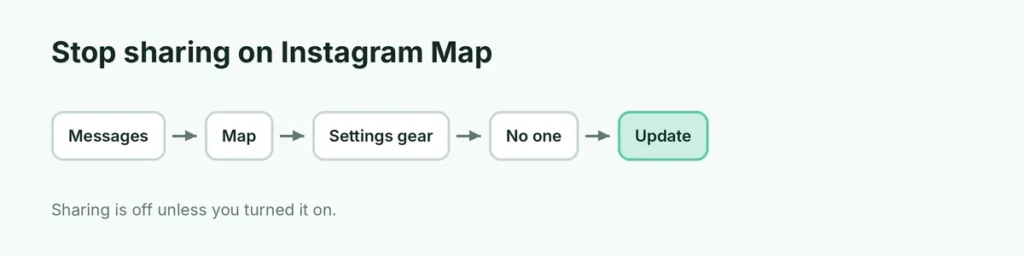
- Open Instagram and tap the Messages (paper plane or chat) icon.
- Tap the Map at the top of your inbox.
- Tap the settings (gear) icon in the top right.
- Select No one.
- Tap Update.
Now nobody sees your location on the Map.
Location sharing options
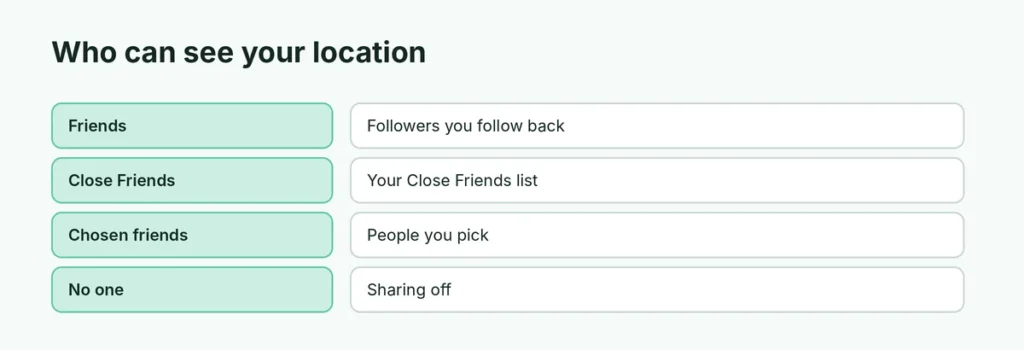
| Option | Who sees your location |
|---|---|
| Friends | Followers you follow back |
| Close Friends | Only your Close Friends list |
| Only these friends | People you choose |
| No one | Nobody (sharing off) |
Exact labels can vary slightly by app version.
Turn off location permission for Instagram
Even with Map sharing off, Instagram can use your location for things like tags and ads if you allow it.
iPhone:
- Settings → Privacy & Security → Location Services.
- Tap Instagram → choose Never (or Ask Next Time).
Android:
- Settings → Apps → Instagram → Permissions → Location.
- Choose Don’t allow.
Here’s more about turning off location on iPhone.
Remove location tags from posts
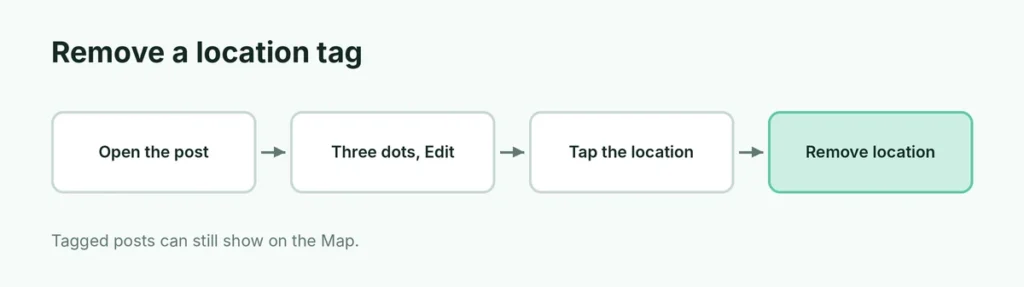
Tagged posts can still appear on the Map for people who can see the post.
- Open the post.
- Tap the three dots → Edit.
- Tap the location under your username → Remove location.
- Tap Done.
Before posting new photos, skip Add location if you don’t want it shown.
Is the Instagram Map safe?
Sharing your live location with a big friend list can reveal where you live, study or work. Keep sharing on No one or Close Friends, especially for teen accounts. Parents using Family Center can see if a teen shares their location and who with.
Instagram Map vs. Snap Map
Both apps show friends’ locations, but Snapchat’s Snap Map has its own Ghost Mode. On Instagram, the equivalent is choosing No one in Map settings.
Related guides
The short version
In Messages, open the Map, tap the gear icon, choose No one and tap Update. Set Instagram’s phone location permission to Never or Don’t allow, and remove location tags from posts you don’t want on the Map.