 By
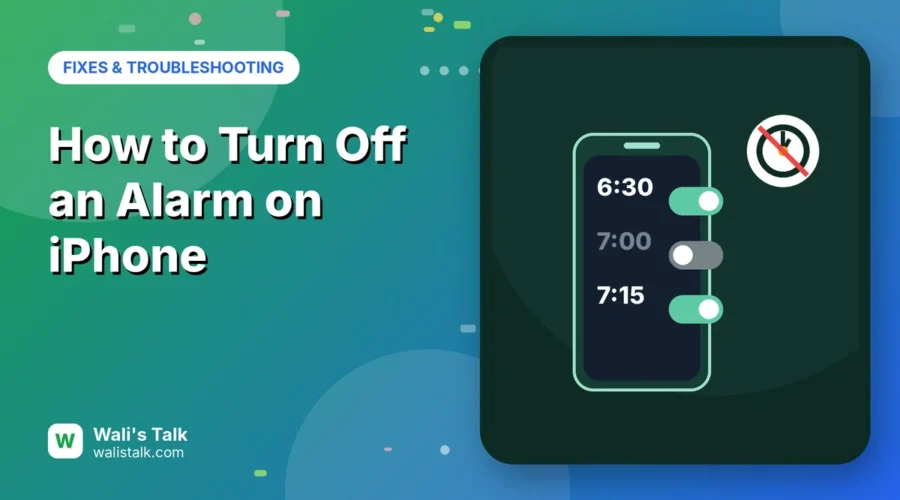
“Turning off” an iPhone alarm can mean three different things: stopping an alarm that’s ringing right now, switching off an alarm so it won’t go off tomorrow, or deleting it for good. And since iOS 26.1, stopping a ringing alarm works differently from before, which catches a lot of people out. Here’s how to do each one, including the Sleep schedule alarm that doesn’t show up like the others.
Short answer: to switch an alarm off, open the Clock app → Alarms and tap the green toggle next to it so it turns gray. To delete it, swipe left on the alarm and tap Delete. To stop a ringing alarm on iOS 26.1 and later, slide the Stop button (a tap only snoozes). To bring back a simple tap-to-stop button, go to Settings → Accessibility → Touch and turn on Prefer Single-Touch Actions.
Applies to: iPhone with iOS 26.1 and later (iOS 26 and iOS 27), and the Clock and Health apps, October 2026. On older iOS versions the steps are the same except for the slide-to-stop change.
Turn off, delete or stop: which do you need?
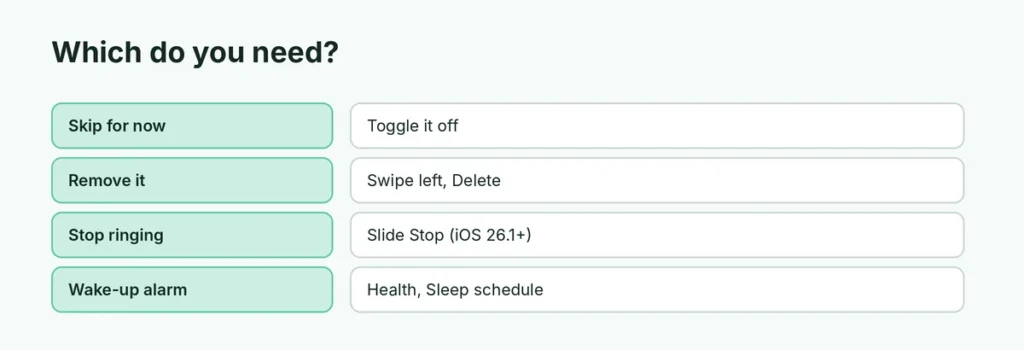
| You want to… | Do this | Alarm still saved? |
|---|---|---|
| Skip an alarm for now | Tap its toggle off in Clock → Alarms | Yes |
| Remove it completely | Swipe left → Delete | No |
| Stop it while it’s ringing | Slide Stop (or tap if Single-Touch is on) | Yes, rings again next time |
| Stop your wake-up alarm | Turn off Sleep schedule in Health | Yes, in Health |
How to turn off an alarm on iPhone
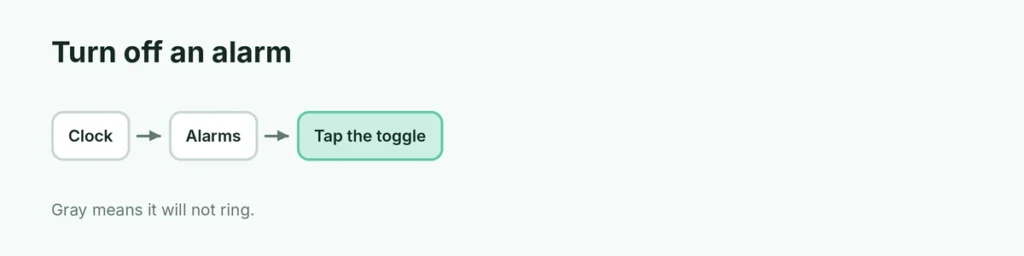
- Open the Clock app.
- Tap Alarms at the bottom.
- Tap the green toggle next to the alarm. When it’s gray, the alarm won’t ring.
The alarm stays in your list, so you can switch it back on with one tap.
How to delete an alarm
- Open Clock → Alarms.
- Swipe left on the alarm and tap Delete.
Or tap Edit at the top left, tap the red minus next to an alarm, then Delete.
How to stop an alarm that’s ringing (iOS 26.1 and later)
Apple changed this in iOS 26.1 to stop people switching alarms off by accident while half asleep:
- Slide the Stop button across to stop the alarm.
- Tap Snooze to snooze it; a single tap still snoozes.
Prefer the old tap-to-stop button?
- Open Settings → Accessibility.
- Under Physical and Motor, tap Touch.
- Scroll down and turn on Prefer Single-Touch Actions.
The change applies from the next alarm. You can also stop a ringing alarm by saying “Hey Siri, stop.”
How to turn off all alarms at once
There isn’t a “turn off all” button in the Clock app, but Siri can do it:
- Say “Hey Siri, turn off all my alarms” to switch them all off, or “Hey Siri, delete all my alarms” to remove them.
You can also open Clock → Alarms → Edit and delete them one by one.
How to turn off the wake-up alarm (Sleep schedule)
If an alarm keeps ringing and you can’t find it in the list, it’s probably your Sleep schedule wake-up alarm:
- In Clock → Alarms, look under Sleep | Wake Up and tap Change, or open the Health app → Browse → Sleep.
- Tap Full Schedule & Options.
- Turn off Sleep Schedule, or edit just the alarm for tomorrow.
For more on this, see how to change your sleep schedule on iPhone.
Alarm still going off? Check these
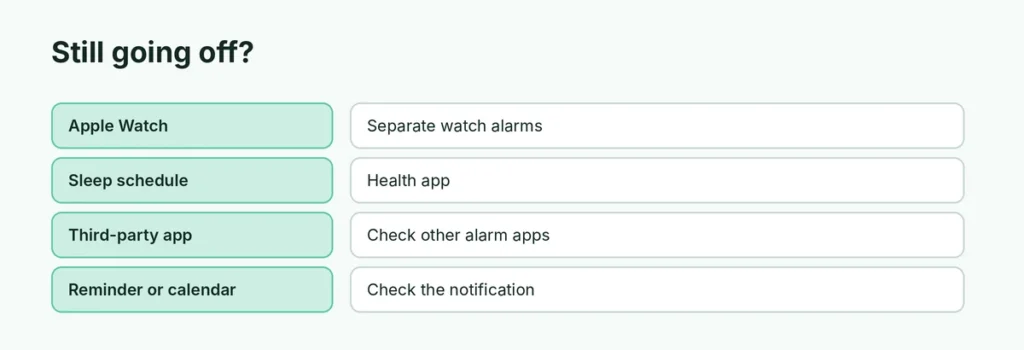
- An alarm on your Apple Watch. Watch alarms are separate. Open the Alarms app on the watch.
- A Focus or Sleep mode alarm. Check Health → Sleep as above.
- A third-party alarm app. Some apps ring even when the Clock alarm is off.
- A calendar or reminder sound. Reminders and calendar alerts can sound like alarms; check the notification on screen.
Related guides
- How to change the alarm sound on iPhone
- How to change snooze time on iPhone
- How to turn off vibration on iPhone
The short version
In Clock → Alarms, tap an alarm’s toggle to switch it off, or swipe left and Delete to remove it. On iOS 26.1 and later, slide Stop to end a ringing alarm (a tap only snoozes), or turn on Prefer Single-Touch Actions in Accessibility → Touch to get the tap button back. A wake-up alarm you can’t find is your Sleep schedule in the Health app.