Remote work has fundamentally changed what most people need from a laptop. Rather than optimizing for gaming or creative production, the priorities shift toward reliable video calls, comfortable all-day use, and enough performance to smoothly juggle video conferencing alongside document editing and browser-based tools. Here’s what actually matters for a genuinely good remote work laptop.
Webcam and Microphone Quality
Video calls have become a daily fixture of remote work, making webcam and microphone quality far more important than they used to be for a “productivity” laptop. Look specifically for reviews that discuss webcam performance in typical home lighting conditions rather than studio lighting, since that’s a much more realistic representation of how you’ll actually appear on calls.
Battery Life for a Full Work Day
A laptop that needs frequent charging throughout the day becomes a genuine friction point for remote workers who move between a home office, kitchen table, and occasionally a coffee shop or co-working space. Look for laptops that reviewers confirm can handle eight or more hours of mixed video calls, document editing, and browsing on a single charge.
Multitasking Performance
Remote work often means juggling a video call, a shared document, a messaging app, and a browser with dozens of tabs simultaneously. At least 16GB of RAM has become the sensible baseline for smooth multitasking without noticeable slowdown, particularly if your role involves data-heavy spreadsheets or design tools alongside routine communication apps.
Display Considerations for Long Days
Since remote work often means staring at a screen for eight or more hours daily, display comfort matters more than raw specifications. Matte, anti-glare finishes reduce eye strain from overhead lighting and window glare compared to glossy displays, and adjustable brightness that goes low enough for comfortable evening use is worth checking for anyone working flexible hours.
Connectivity for Home Office Setups
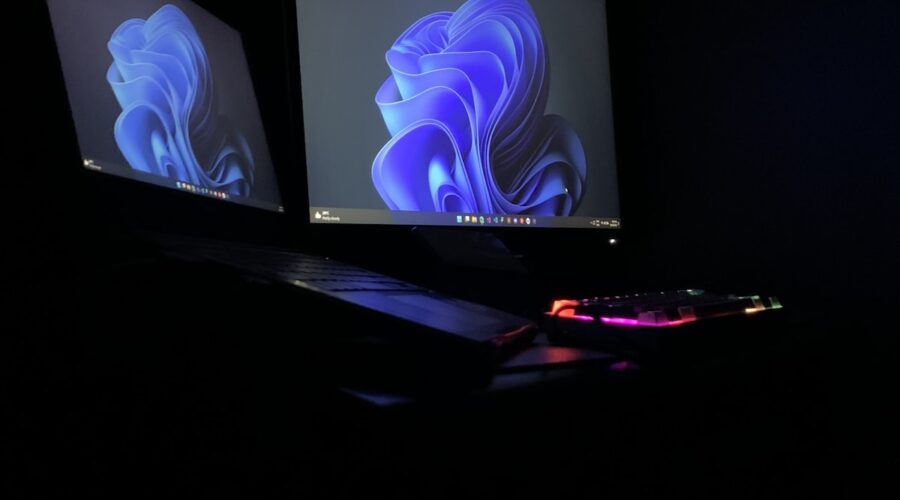
Many remote workers eventually add an external monitor, keyboard, and mouse to their home setup. Checking that a laptop has adequate ports — or reliably supports a single-cable docking station through USB-C — can meaningfully simplify a home office setup compared to constantly juggling multiple cables and adapters.
Portability vs Power Tradeoffs
If your remote work involves occasional travel or working from multiple locations, prioritizing a lighter, more portable laptop makes sense even if it means slightly less raw performance. If you work exclusively from a single home office location, this tradeoff matters far less, and prioritizing a larger screen or more powerful specifications becomes more reasonable.
Software and Security Considerations
Many companies now have specific IT requirements for remote work devices, including mandatory security software, VPN compatibility, and sometimes specific operating system requirements. Checking with your employer’s IT department before purchasing a laptop for remote work can save you from buying a device that doesn’t meet company security policies.
Final Recommendation
For most remote workers, a laptop with 16GB of RAM, a comfortable matte display, genuinely good all-day battery life, and a reliable webcam and microphone will cover the vast majority of daily needs. Prioritizing these practical, daily-use factors over raw benchmark performance will serve most remote workers better than chasing the highest-specification laptop available.